All you need is an iPad or iPhone
OAK runs on the Apple devices you already have. Add a card reader to take payments in person — and a receipt printer only if you want paper.
Required
An iPad or iPhone
Native OAK apps for both. Run the counter on an iPad, put the same system in your staff's pockets on iPhone, or both.
Recommended
The Stripe Reader M2
Chip, tap and swipe in a pocket-sized Bluetooth reader. Ordered straight from Stripe, and very reasonably priced.
Optional
A receipt printer
Receipts go to customers by email. If you'd like paper too, OAK supports Star Micronics receipt printers.
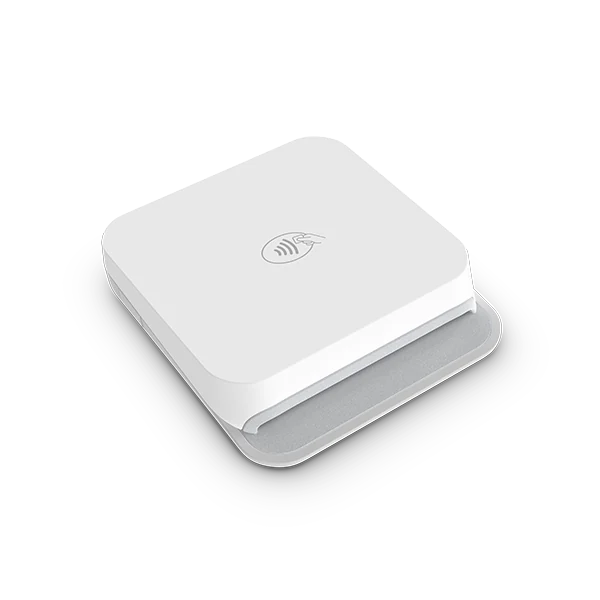
Our pick for card payments
The Stripe Reader M2. Small, quick and built to travel.
It pairs with OAK over Bluetooth, takes every way your customers pay in person, and runs all day on a charge — at the counter, on the dock or halfway down the trail.
- Chip, tap and swipe, plus Apple Pay and Google Pay on the customer's phone or watch.
- Pairs in the app on iPad or iPhone, with battery and connection shown in OAK.
- Deposit holds and saved cards straight from the reader.
- Bought from Stripe, in your Stripe Dashboard under More → Terminal → Shop — at a very reasonable price.
Receipts
Receipts go by email. Paper is up to you.
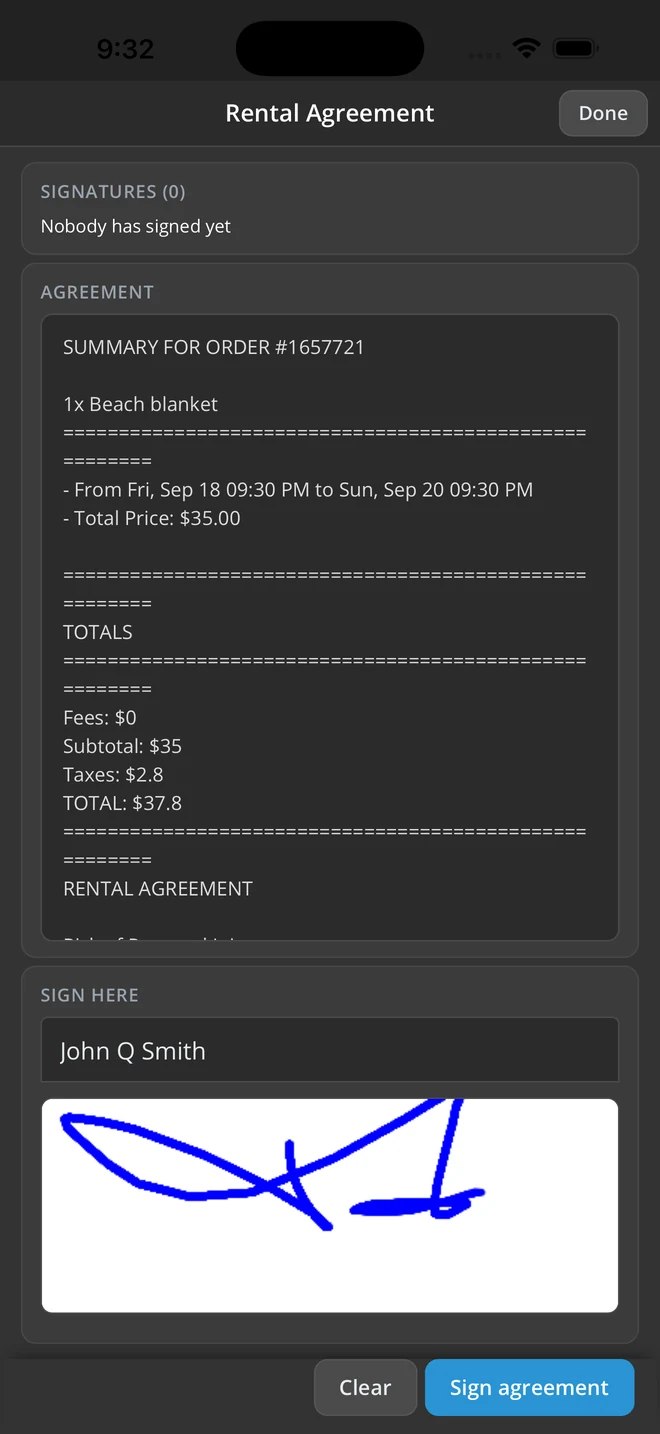
OAK emails customers their order summary, receipt and signed waiver, so there's nothing to print and nothing to lose. If you'd still like to hand over paper, connect a Star Micronics receipt printer.
- Digital by default — the receipt and the signed waiver land in the customer's inbox.
- Star Micronics printers supported for anyone who wants paper at the counter.
- Not sure which model? Ask us before you buy and we'll tell you what works.
Can I use an iPad or iPhone I already have?
Do I need a card reader?
Where do I buy the Stripe Reader M2?
Which receipt printers work with OAK?
Does OAK sell hardware?
Questions about your set-up?
Tell us what you rent and where you take payments, and we'll tell you exactly what you need — which is usually less than you'd think.